Real-time online jamming with HD video of every musician in the room.
See every musician you're jamming with in HD, perfectly synchronized to the audio interval. HDMI output, fullscreen, auto-quality.
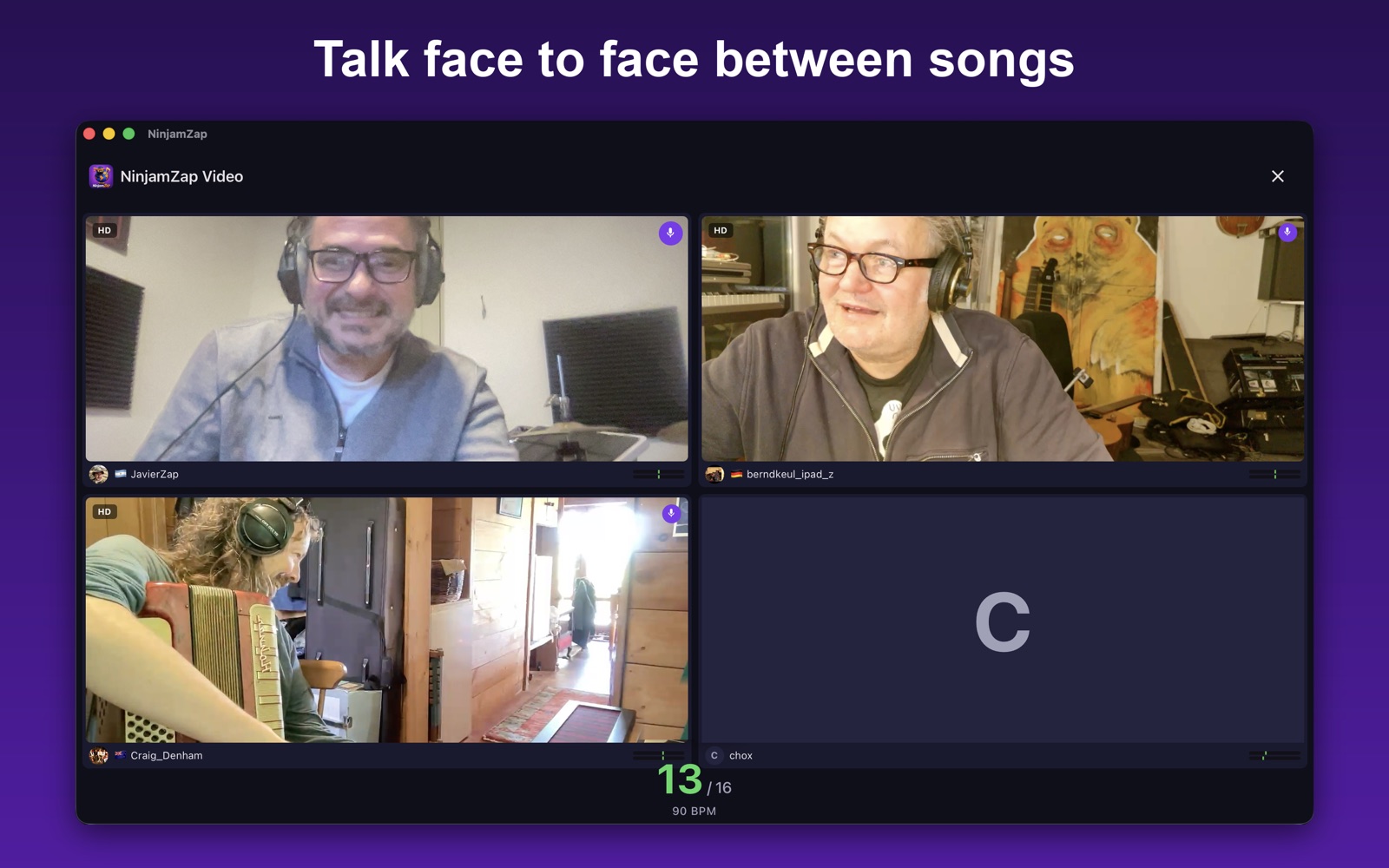
For 20 years, NINJAM only carried audio. We designed a video extension that rides the same interval clock, the same transport, and the same synchronization GUIDs as the audio — so video can never drift from what you hear.
The protocol is public, open source.
github.com/jacinside/ninjamzap-core/blob/main/docs/VIDEO_SYNC.md
Jam with friends or strangers worldwide. Multi-channel audio, live video, chat, MIDI clock — everything you need to play remote, free and without ads.
Get the appAdd any NinjamZap room to your OBS, vMix or Resolume scene as a Browser Source. PDT-aligned video + audio, room mix included. No plugins, 30 seconds setup.
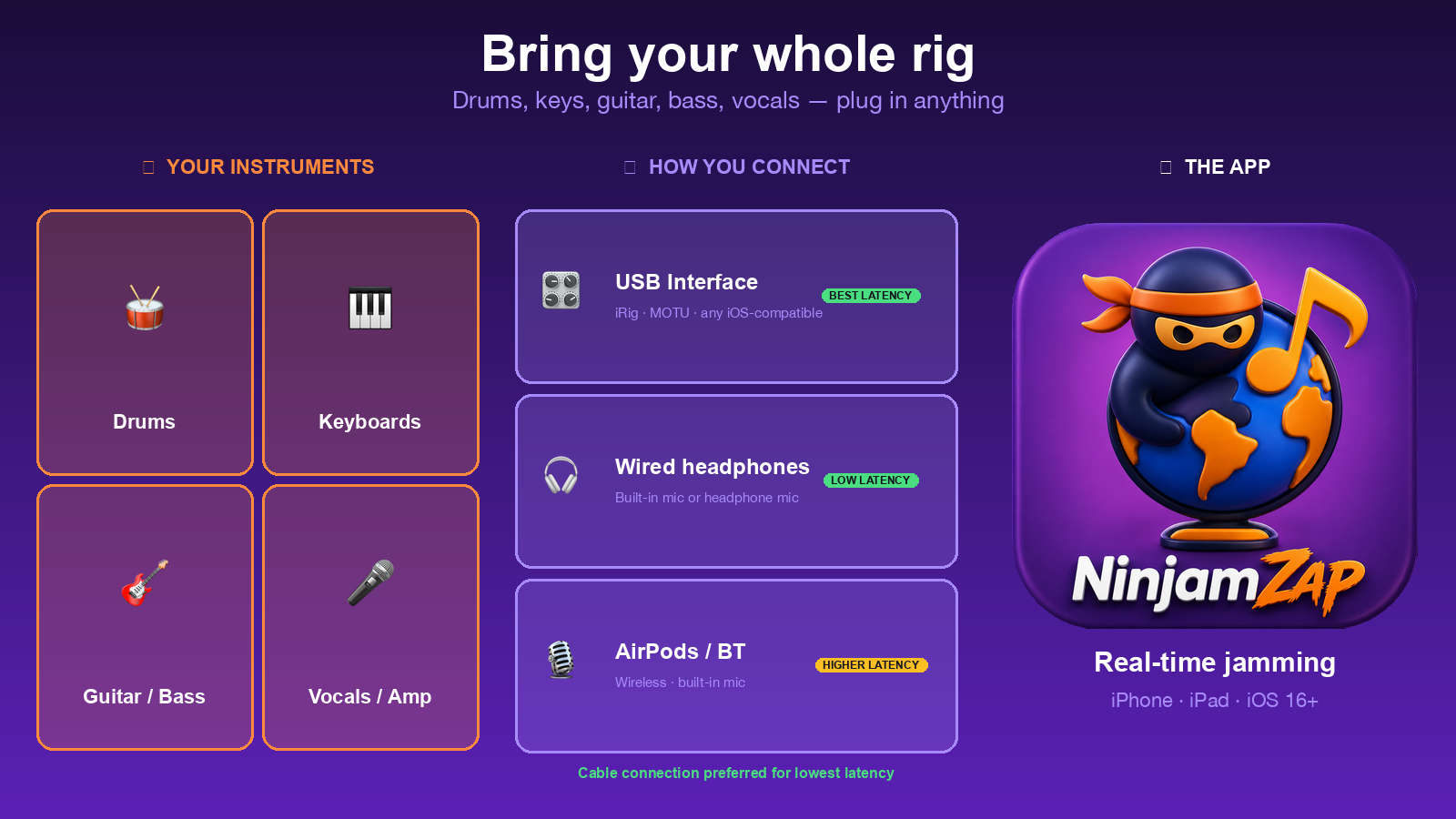
Open the OBS guideUSB audio interfaces (iRig, MOTU, Focusrite), MIDI gear, HDMI displays, USB cameras. Built-in low-latency presets for the most common setups.
The App Store preview and full jam sessions recorded with NinjamZap.
Connect to any NINJAM server and play with musicians worldwide
See everyone you're jamming with — one camera per musician, frame-locked to the interval
3 ms profile + USB interface support (iRig, MOTU, Focusrite)
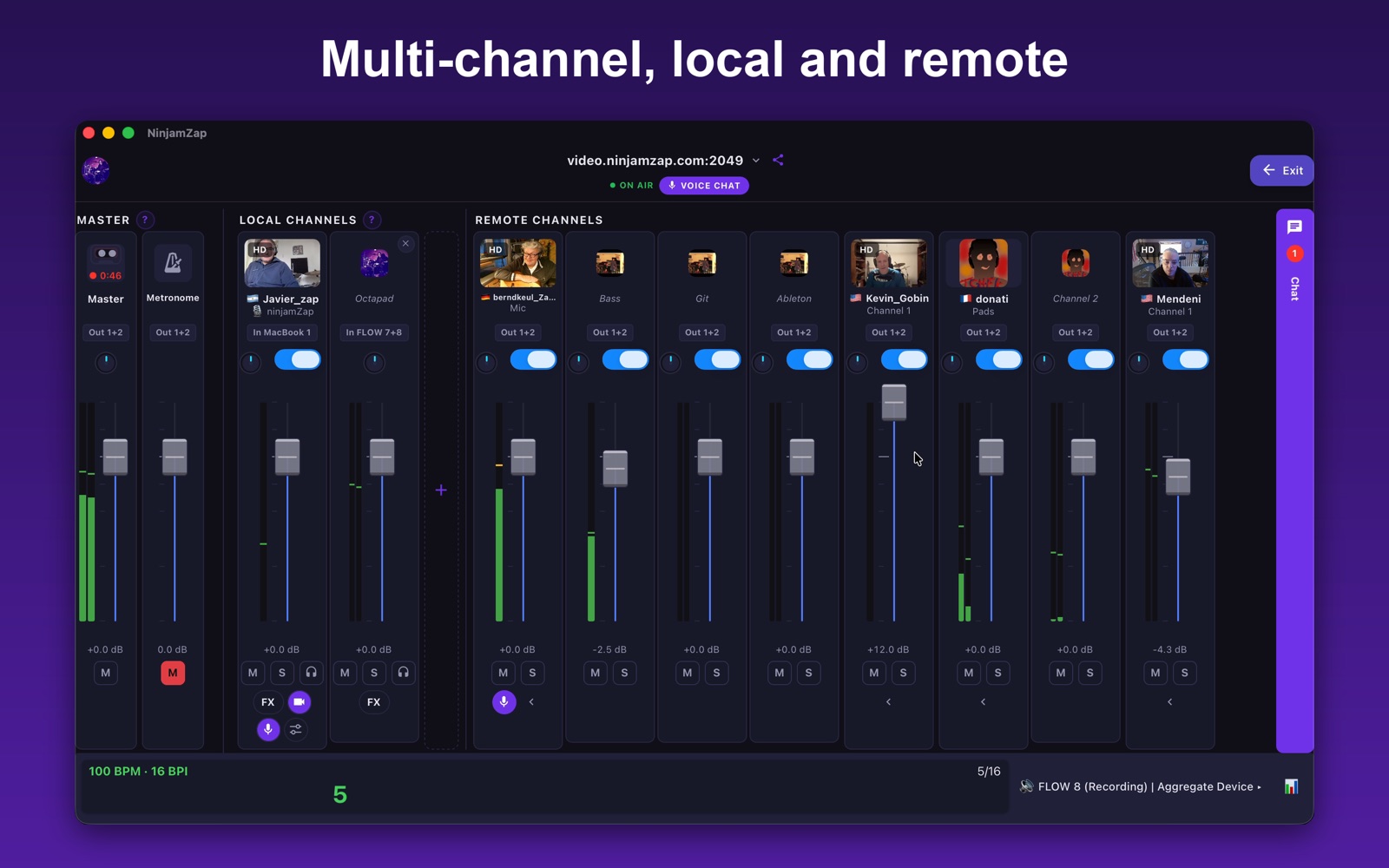
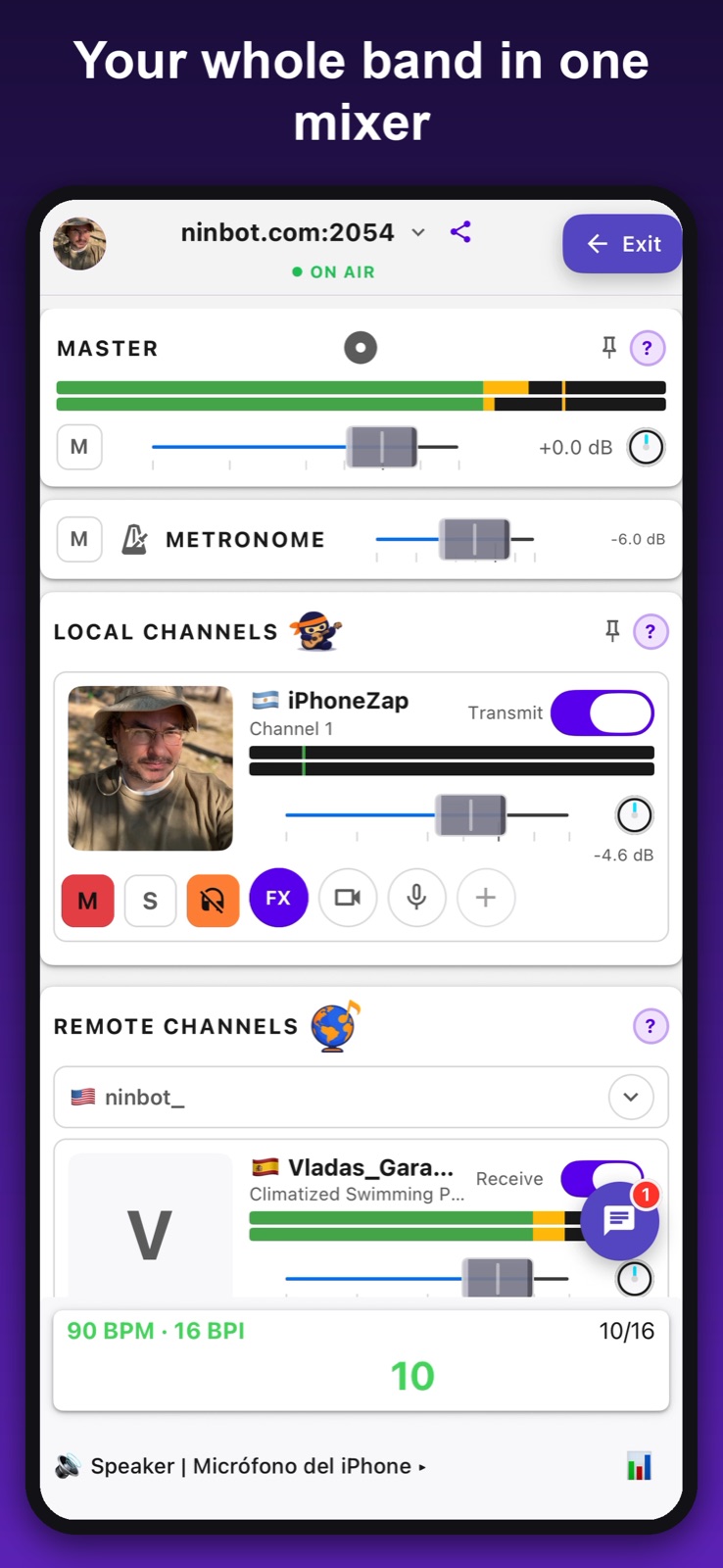
Up to 8 local channels, each mono or stereo, with pan — guitar, bass, voice, drums on separate channels
Sync external drum machines, synths, and DAWs to the room tempo
Watch active jam sessions from any browser, no app needed
Real-time chat from the app or the web — every message reaches the room
No account required. Pick a username and start jamming
NINJAM (Network Jam) was created by Cockos in 2005. Instead of fighting network latency, it embraces it: everyone plays along to a shared metronome, and you hear what others played in the previous interval. The result is a surprisingly natural and creative way to make music together.
NinjamZap is an independent client — not affiliated with Cockos or the official NINJAM project. The core audio engine is open source under GPL v2 at github.com/jacinside/ninjamzap-core.
Audio works with any standard NINJAM server. Live video is a NinjamZap extension available on NinjamZap rooms — other clients ignore it and audio still works for everyone.
NinjamZap is available for free on the App Store for iPhone, iPad and Mac.
No account required — pick a username and start jamming.
iOS 15.6+ • iPhone & iPad • macOS 12.5+ • Apple silicon & Intel
Help us test the Android version. Two quick steps:
Sign in with the Google account you use on your phone.
Tap the link, accept, then download from Google Play.
Android 7.0+ • phones & tablets
⚠️ Audio latency depends on your phone's audio hardware. On older/budget devices the built-in mic adds noticeable capture latency — even with wired headphones, since that's the input path, not the output — and USB interfaces can be unreliable. For tight timing use a recent mid/high-end phone (Pixel 6+, Galaxy S22+, OnePlus 9+, ROG Phone) or a USB audio interface.
The full app on macOS, from the same App Store listing: a mixer view, keyboard shortcuts, the video grid on an external display, and multi-channel audio interfaces.
Download on the Mac App StoremacOS 12.5+ • Apple silicon & Intel
Listen live, watch sessions on YouTube, follow us on Instagram, or request beta access.
NinjamZap is an independent project built for the online music community. If you enjoy the app, you can support development.
Get notified about updates and new features.